🚀 Setting Up a CI/CD Pipeline with Jenkins on Ubuntu
Before you start
- 2 min read
- 10 to run in terminal
- 3 file contents
Boxes marked Run in terminal are what you type; plain text explains why. Check what you need first
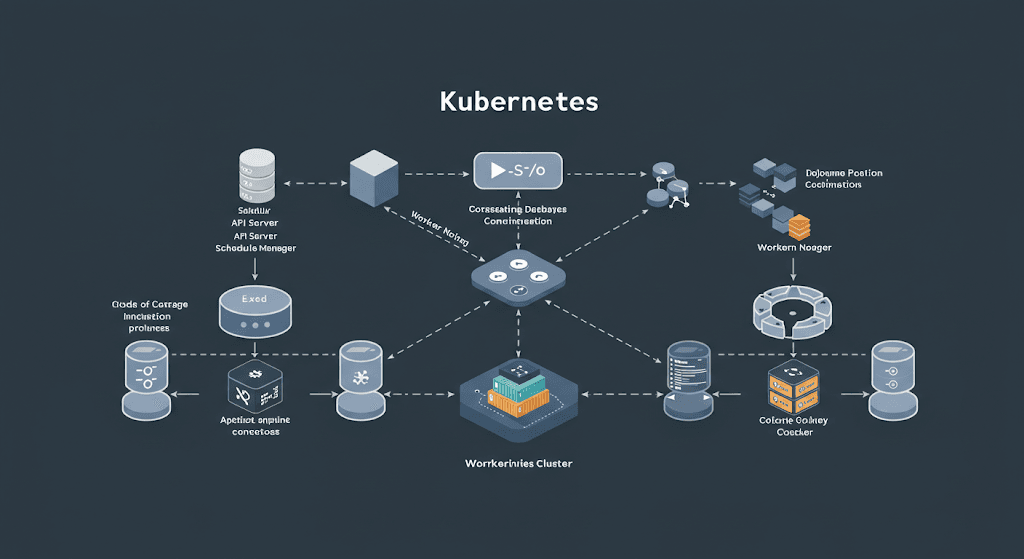
A CI/CD (Continuous Integration and Continuous Deployment) pipeline automates software development, testing, and deployment. Jenkins is a popular open-source automation server used for CI/CD.
1. Introduction to CI/CD and Jenkins#
- Continuous Integration (CI): Automates code integration, testing, and validation.
- Continuous Deployment (CD): Automates software release and deployment.
- Jenkins: An automation server that facilitates CI/CD pipelines.
2. Prerequisites#
Before starting, ensure you have:
- ✅ Ubuntu 20.04 or later
- ✅
sudo(administrator) access - ✅ Java (JDK) installed (required for Jenkins)
Install Java (JDK 11):
sudo apt update
sudo apt install -y openjdk-11-jdk
3. Installing Jenkins on Ubuntu#
1. Update the package index:
sudo apt update
2. Add Jenkins repository and GPG key:
sudo install -m 0755 -d /etc/apt/keyrings
curl -fsSL https://pkg.jenkins.io/debian/jenkins.io-2023.key | sudo tee /etc/apt/keyrings/jenkins.asc > /dev/null
echo "deb [signed-by=/etc/apt/keyrings/jenkins.asc] https://pkg.jenkins.io/debian-stable binary/" | sudo tee /etc/apt/sources.list.d/jenkins.list > /dev/null
3. Install Jenkins:
sudo apt update
sudo apt install -y jenkins
4. Start and enable Jenkins:
sudo systemctl start jenkins
sudo systemctl enable jenkins
4. Access Jenkins Web Interface 🌍#
- Open http://localhost:8080 in your browser.
- Retrieve the initial admin password:
sudo cat /var/lib/jenkins/secrets/initialAdminPassword
Follow the setup wizard to install recommended plugins and create an admin user.
5. Installing Essential Jenkins Plugins#
- 🔹 Git Plugin: Allows Jenkins to pull code from GitHub/GitLab.
- 🔹 Pipeline Plugin: Enables declarative pipelines.
- 🔹 Docker Pipeline Plugin: Required for Docker integration.
6. Creating Your First Jenkins Pipeline#
1. Go to Jenkins Dashboard → "New Item" → Select "Pipeline".
2. Enter a name and click OK.
3. Under the "Pipeline" section, paste this script:
pipeline {
    agent any
    stages {
        stage('Build') {
            steps {
                echo 'Building the application...'
            }
        }
        stage('Test') {
            steps {
                echo 'Running tests...'
            }
        }
        stage('Deploy') {
            steps {
                echo 'Deploying the application...'
            }
        }
    }
}
7. Integrating GitHub/GitLab with Jenkins#
Modify your pipeline script to fetch code from a Git repository:
pipeline {
    agent any
    stages {
        stage('Checkout Code') {
            steps {
                git 'https://github.com/your-repo.git'
            }
        }
    }
}
8. Automating Build Triggers ⚙️#
- Enable Poll SCM to check for repository changes at intervals.
- Use GitHub Webhooks to trigger builds on new commits.
9. Deploying a Sample Web App 🌐#
1. Install Docker:
sudo apt install -y docker.io
sudo systemctl start docker
sudo systemctl enable docker
2. Modify pipeline script to deploy an Nginx container:
pipeline {
    agent any
    stages {
        stage('Deploy') {
            steps {
                sh 'docker run -d -p 8080:80 nginx'
            }
        }
    }
}
After running the pipeline, visit http://localhost:8080 to see Nginx running.
🚀 Troubleshooting Common Issues#
Jenkins not starting?
sudo systemctl restart jenkins
Permission issues?
sudo usermod -aG jenkins $USER
Jenkins build failing?
sudo journalctl -u jenkins --no-pager
🎯 Conclusion#
- ✅ You now have a fully functional CI/CD pipeline using Jenkins.
- ✅ Jenkins automates testing, builds, and deployments.
- ✅ Next Steps: Add Kubernetes, AWS, or Terraform integrations.